

🇨🇦 Walco
| eDPI | 560 | Resolution | 1280x960 4:3 |
| DPI | 400 | Scaling | Stretched |
| Sensitivity | 1.55 | Refresh Rate | 1000Hz |
| cm/360 | 74cm | Mouse | Logitech G Pro X Superlight Black |
Walco is a professional CS2 rifler currently playing for Skinrave Esports from Canada. Walco plays with a low sensitivity setup at 560 eDPI (400 DPI × 1.55 sens), which is below the pro average of 860. Walco uses 1280x960 resolution (4:3 Stretched) on a ZOWIE XL2546K, paired with a Logitech G Pro X Superlight Black. Calculate your own effective sensitivity using the eDPI Calculator, or use the Sensitivity Converter to match Walco's setup from another game.
See all Skinrave Esports team settings for a full roster comparison, or browse the Pro Gaming Gear hub to find gear used by top players.
Mouse & Sensitivity
Mouse & Mousepad
Crosshair
Not available Advanced Crosshair Settings
Video & Display
Advanced Video
Viewmodel
viewmodel_fov 65; viewmodel_offset_x 2; viewmodel_offset_y 1.5; viewmodel_offset_z -1 Equipment
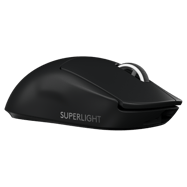 Mouse Logitech G Pro X Superlight Black
  Monitor ZOWIE XL2546K
 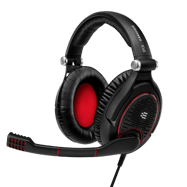 Headset Sennheiser GAME ZERO
 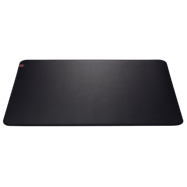 Mousepad ZOWIE G-SR
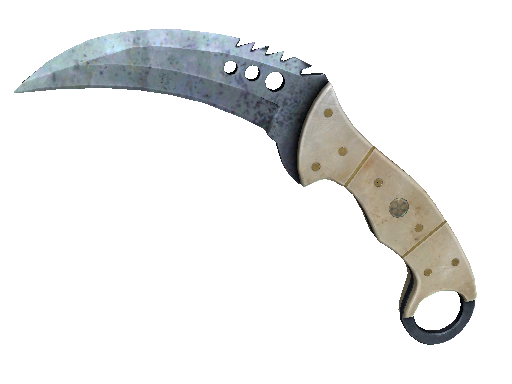
 Walco's Weapon Skins
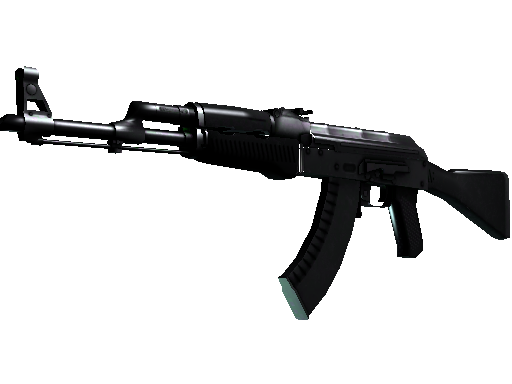
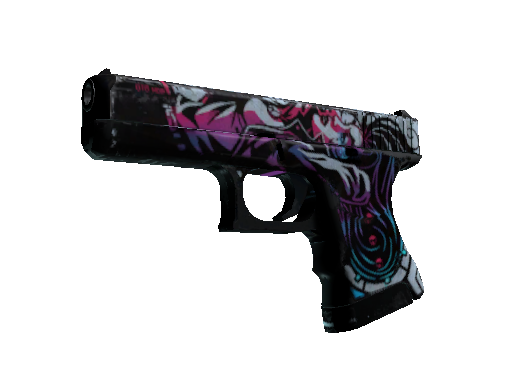
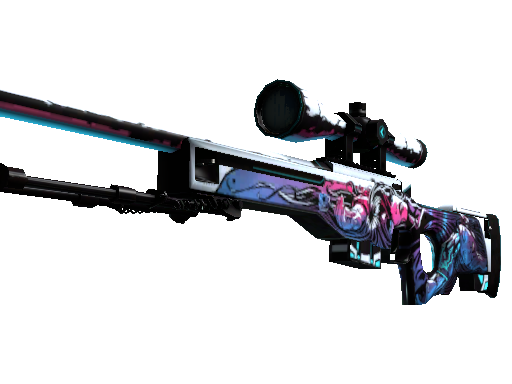
Config & Download
Grab Walco's full CS2 config as an autoexec file, or copy console commands directly.
// Walco's CS2 Config — Generated by CSGOLuck Wiki
// https://wiki.csgoluck.com/pro-players/walco/

// Sensitivity
sensitivity "1.55"
zoom_sensitivity_ratio_mouse "1"

// Crosshair
cl_crosshairstyle "4"
cl_crosshairsize "2"
cl_crosshairgap "-1"
cl_crosshairthickness "1"
cl_crosshairdot "0"
cl_crosshair_drawoutline "0"

// Viewmodel
viewmodel_fov "65"
viewmodel_offset_x "2"
viewmodel_offset_y "1.5"
viewmodel_offset_z "-1"

// Launch Options: -tickrate 128 -exec prac -novid +exec jumpthrow -allow_third_party_software
Launch Options
-tickrate 128 -exec prac -novid +exec jumpthrow -allow_third_party_software Similar Configs






Common Questions
What sensitivity does Walco use in CS2?
Walco uses 400 DPI with 1.55 in-game sensitivity, resulting in 560 eDPI. This translates to approximately 74 cm per 360-degree turn. This is below the pro average of 860 eDPI, suggesting a preference for precision over speed.
What mouse does Walco use?
Walco currently uses the Logitech G Pro X Superlight Black at 400 DPI with a 1000Hz polling rate, paired with a ZOWIE G-SR mousepad.
What resolution does Walco play on?
Walco plays on 1280x960 (4:3) with Stretched display mode at 1000Hz on a ZOWIE XL2546K.
What is Walco's crosshair code?
Walco's crosshair code is not currently available. Check back later as we regularly update player settings.