

🇲🇾 Kaze
| eDPI | 800 | Resolution | 1280x960 4:3 |
| DPI | 400 | Scaling | Stretched |
| Sensitivity | 2 | Refresh Rate | 2000Hz |
| cm/360 | 52cm | Mouse | Pulsar Xlite V4 Es |
Kaze is a professional CS2 awper currently playing for Rare Atom from Malaysia. Kaze plays with a medium sensitivity setup at 800 eDPI (400 DPI × 2 sens), which is below the pro average of 860. Kaze uses 1280x960 resolution (4:3 Stretched) on a ZOWIE XL2566K, paired with a Pulsar Xlite V4 Es. Calculate your own effective sensitivity using the eDPI Calculator, or use the Sensitivity Converter to match Kaze's setup from another game.
See all Rare Atom team settings for a full roster comparison, or browse the Pro Gaming Gear hub to find gear used by top players.
Mouse & Sensitivity
Mouse & Mousepad
Crosshair
Not available Advanced Crosshair Settings
Video & Display
Advanced Video
Viewmodel & Bob
viewmodel_fov 68; viewmodel_offset_x 2.5; viewmodel_offset_y 0; viewmodel_offset_z -1.5 Weapon Bob
Radar & HUD
Monitor Settings
Equipment
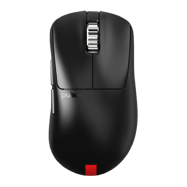 Mouse Pulsar Xlite V4 Es
  Monitor ZOWIE XL2566K
 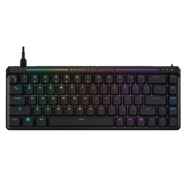 Keyboard ASUS ROG Falchion Ace HFX Black
 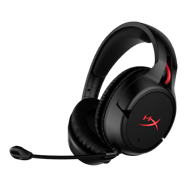 Headset HyperX Cloud Flight
 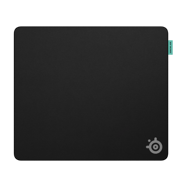 Mousepad SteelSeries QcK Performance Balance
 PC Specs
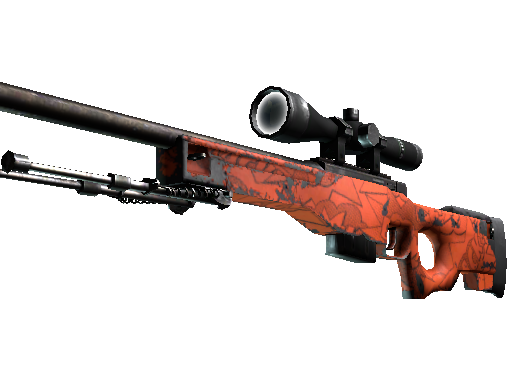
Kaze's Weapon Skins
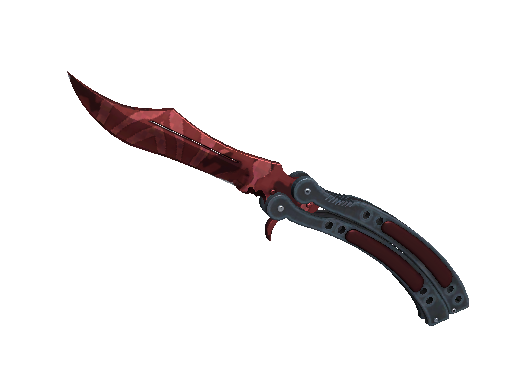
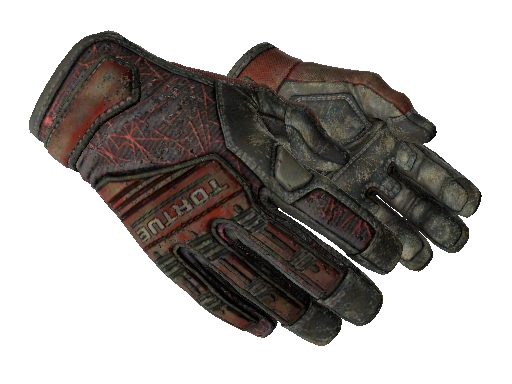
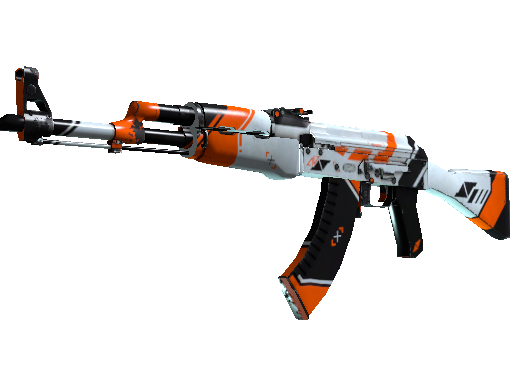
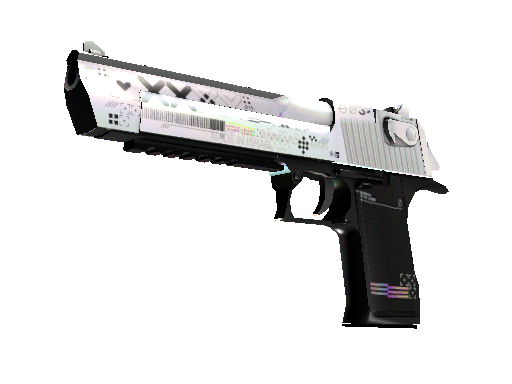
Config & Download
Grab Kaze's full CS2 config as an autoexec file, or copy console commands directly.
// Kaze's CS2 Config — Generated by CSGOLuck Wiki
// https://wiki.csgoluck.com/pro-players/kaze/

// Sensitivity
sensitivity "2"
zoom_sensitivity_ratio_mouse "1"

// Crosshair
cl_crosshairstyle "4"
cl_crosshairsize "2"
cl_crosshairgap "-1"
cl_crosshairthickness "1"
cl_crosshairdot "0"
cl_crosshair_drawoutline "0"

// Viewmodel
viewmodel_fov "68"
viewmodel_offset_x "2.5"
viewmodel_offset_y "0"
viewmodel_offset_z "-1.5"

// Launch Options: -novid -high -freq 240 -tickrate 128 +rate 786432
Launch Options
-novid -high -freq 240 -tickrate 128 +rate 786432 Similar Configs






Common Questions
What sensitivity does Kaze use in CS2?
Kaze uses 400 DPI with 2 in-game sensitivity, resulting in 800 eDPI. This translates to approximately 52 cm per 360-degree turn. This is below the pro average of 860 eDPI, suggesting a preference for precision over speed.
What mouse does Kaze use?
Kaze currently uses the Pulsar Xlite V4 Es at 400 DPI with a 2000Hz polling rate, paired with a SteelSeries QcK Performance Balance mousepad.
What resolution does Kaze play on?
Kaze plays on 1280x960 (4:3) with Stretched display mode at 2000Hz on a ZOWIE XL2566K.
What is Kaze's crosshair code?
Kaze's crosshair code is not currently available. Check back later as we regularly update player settings.